
Build Number: app.zpatrol.20260319.1.0
Release Date: March 19, 2026
What’s New:
Redacted Report Packages:
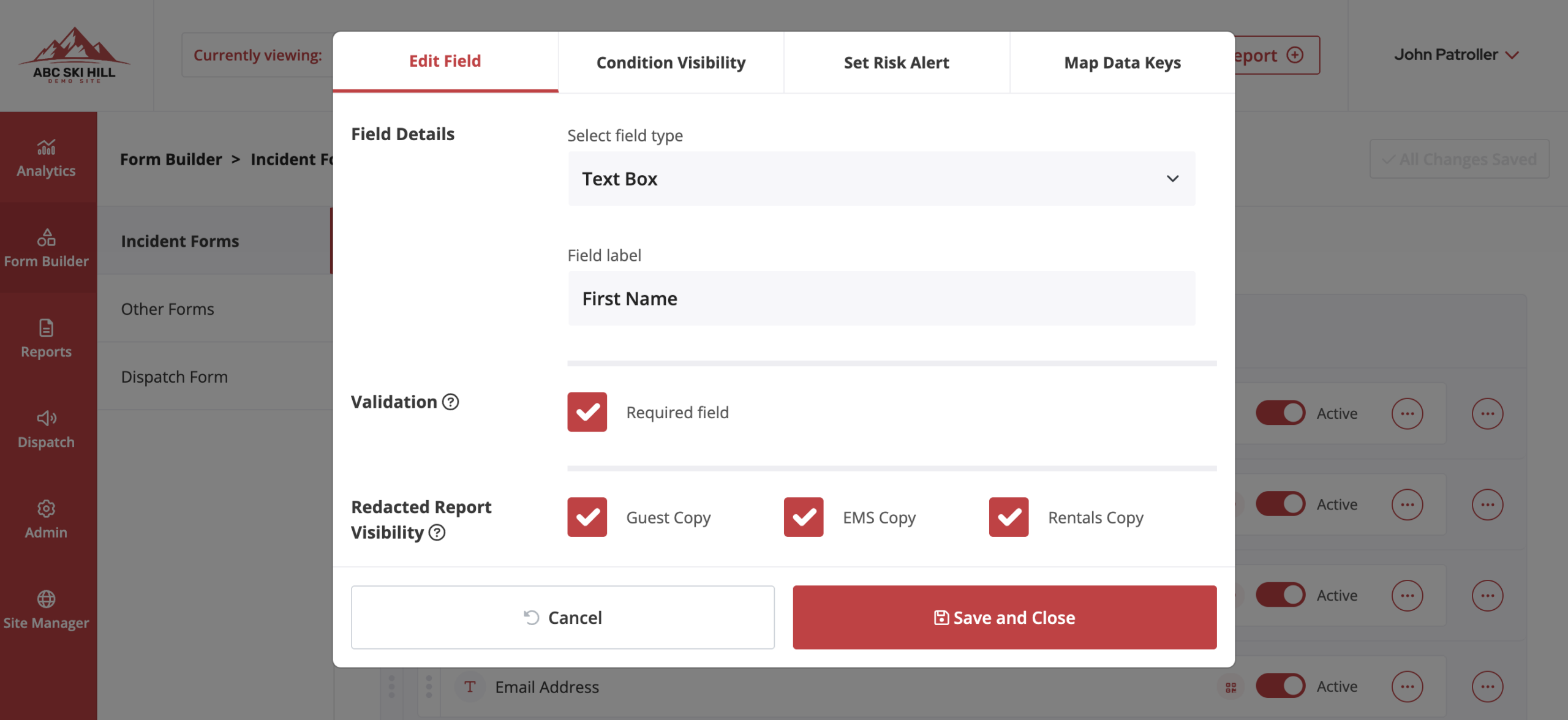
From the form builder, users can now select whether a form field’s data will be visible on redacted reports. These redacted report types include: Guest Copy, EMS Copy, Rentals Copy. Patrollers can then select which report package they would like to print by using a new dropdown in the upper right hand corner of the ‘View’ modal on the ‘Recently Submitted Reports’ tab of the patroller landing page.
Ability to Hide Media Attachments Summary and/or Notes and Amendments Summary Pages from PDF Reports: Admin Users can select whether they would like to include the media attachment summary page or the amendments and notes summary page at the time of print/download from the Reports tab of their Admin dashboard. By default, these pages will be excluded when printing from the Patroller Dashboard.

Ability to Link Reports to ‘In Progress’ Incident Reports: When linking a supplemental report, users will now see ‘In Progress’ reports in the Report Link lookup field, in addition to the ‘Completed’ and ‘In Progress’ report results that showed previously.

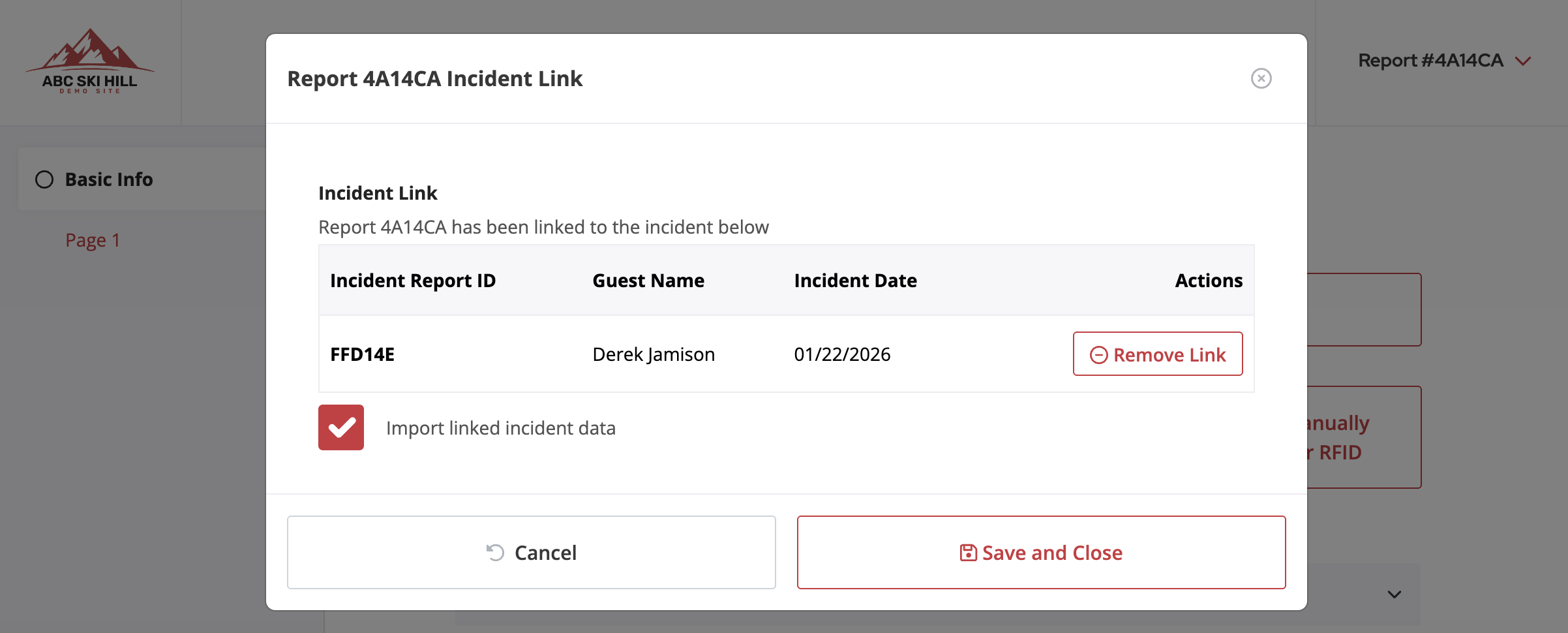
Ability to Auto-Fill Data from Linked Reports: After a report is linked using the “Link Report” button, users can determine whether any matching keyed data fields from the linked report will automatically populate in the new report.
New ‘Phone’ Field Type: The form builder now includes a ‘Phone’ field type, that will prompt for country code and automatically format numeric entries into (###) ###-#### format.

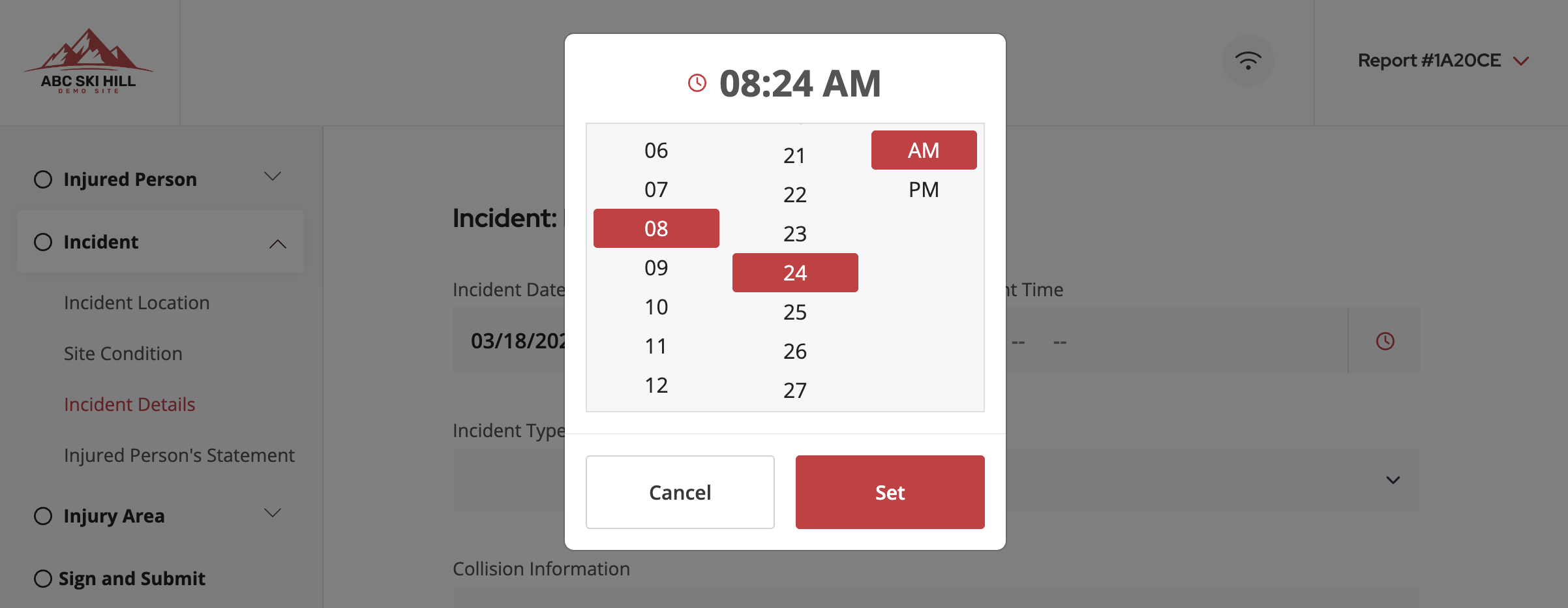
Addition of Time Picker Popup on Time Inputs: All Time input fields have been restyled to include a pop-up time picker for consistent input across all devices and applications
Addition of Date Picker Popup on Date Fields: All Date input fields have been restyled to include a pop-up date picker for consistent input across all devices and applications

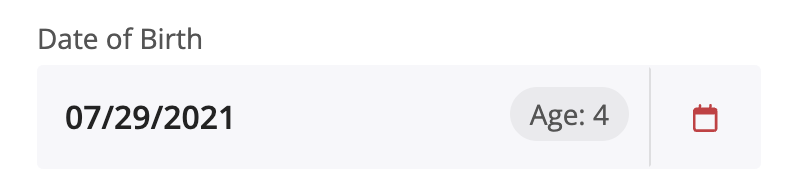
Auto-Calculation of Age: Any Date input field that is keyed as ‘Date of Birth’ will now include an info box that automatically calculates age after inputting the MM/DD/YYYY of birthdate. This calculated age will also print on the PDF reports, next to the birthdate.
Increased Image Capture Resolution: All ‘Photo’ fields that utilize tablets or devices to capture photos now have expanded resolution capability (up to 4k, depending on device limitations)
Alphabetized Location Dropdowns: Selections are now sorted in alphabetical order in the locations dropdown, without grouping selections by difficulty.
What’s Fixed:
Fixed PDF Print Formatting: Resolved formatting error when printing PDF reports directly from the ‘Recently Submitted Reports’ tab on the Patroller Dashboard.